
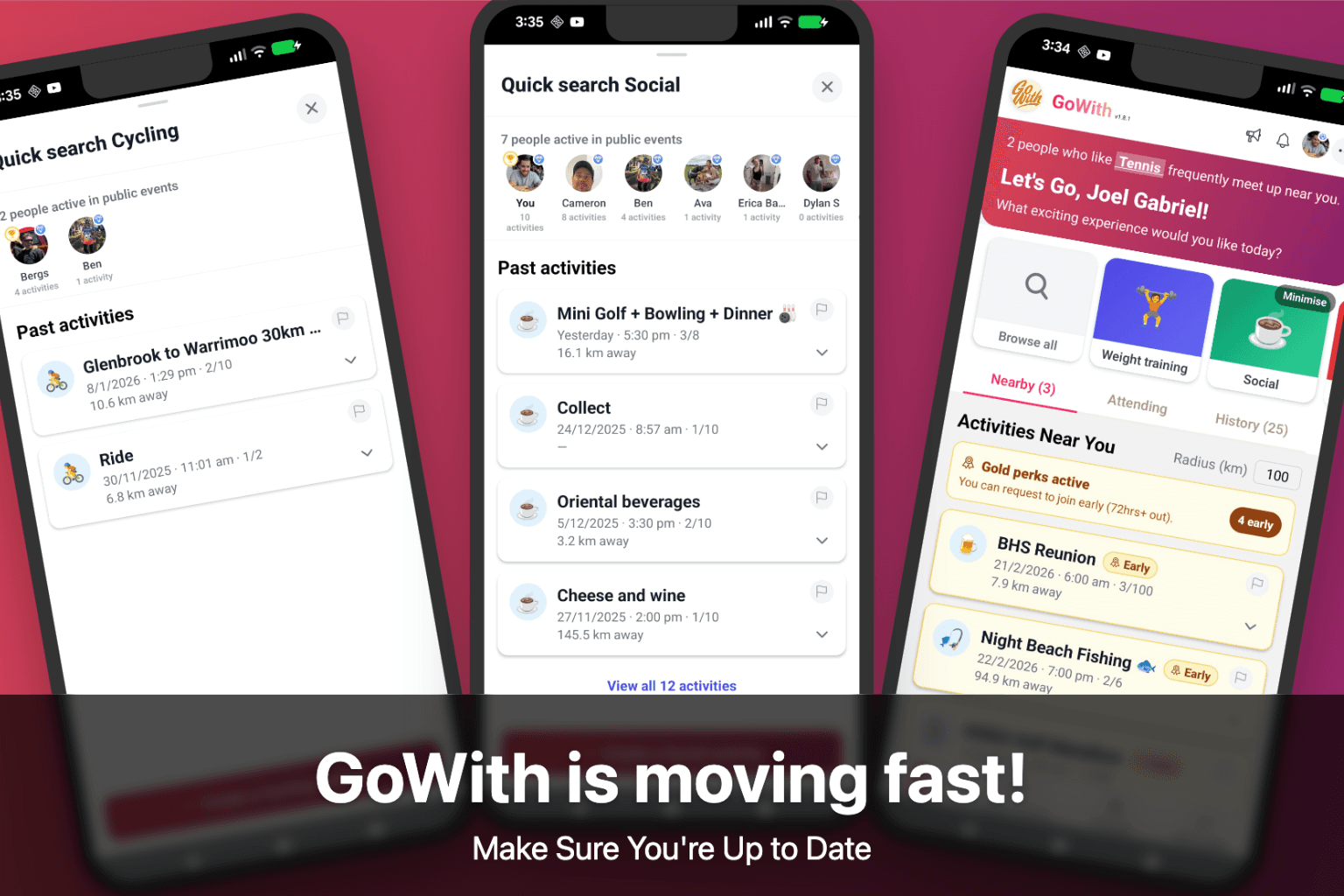
GoWith has been moving fast lately — and auto-updates don’t always apply on every device.
Update now
- iPhone / iPad: Open App Store
- Android: Open Google Play
If you're already on the latest version, you can ignore this — you're good ✅
What’s new recently
Quick Search (v1.8.0)
Find activities faster with the new Quick Search carousel on your home screen. Tap a category to see what's happening nearby, browse every activity type, and discover the most active people in each category — all without leaving the home screen.
Redesigned Home Screen (v1.7.0)
Your home screen now has three tabs — Nearby, Attending, and Activity History — making it easier to stay on top of what's coming up and look back on what you've done. Invitations now sit at the top of your Attending tab with a badge count so you never miss one.
Smarter Activity Suggestions (v1.7.0)
When you create an activity, the category picker is now personalised — based on what you attend and like. No more scrolling through a generic grid.
Chat Improvements (v1.6.1)
Chats load faster and no longer reload when you navigate. If a message fails to send, your text is restored so nothing gets lost.
Plus more
Date separators in chat, slimmer activity cards, collapsible "not interested" categories, and plenty of under-the-hood polish.
Staying up to date
If you're on v1.7.0 or later, GoWith can show an in-app prompt whenever a new version is available.
If you're on an older version, please update using the links above.